Travel documents on your phone: how to organize and protect them
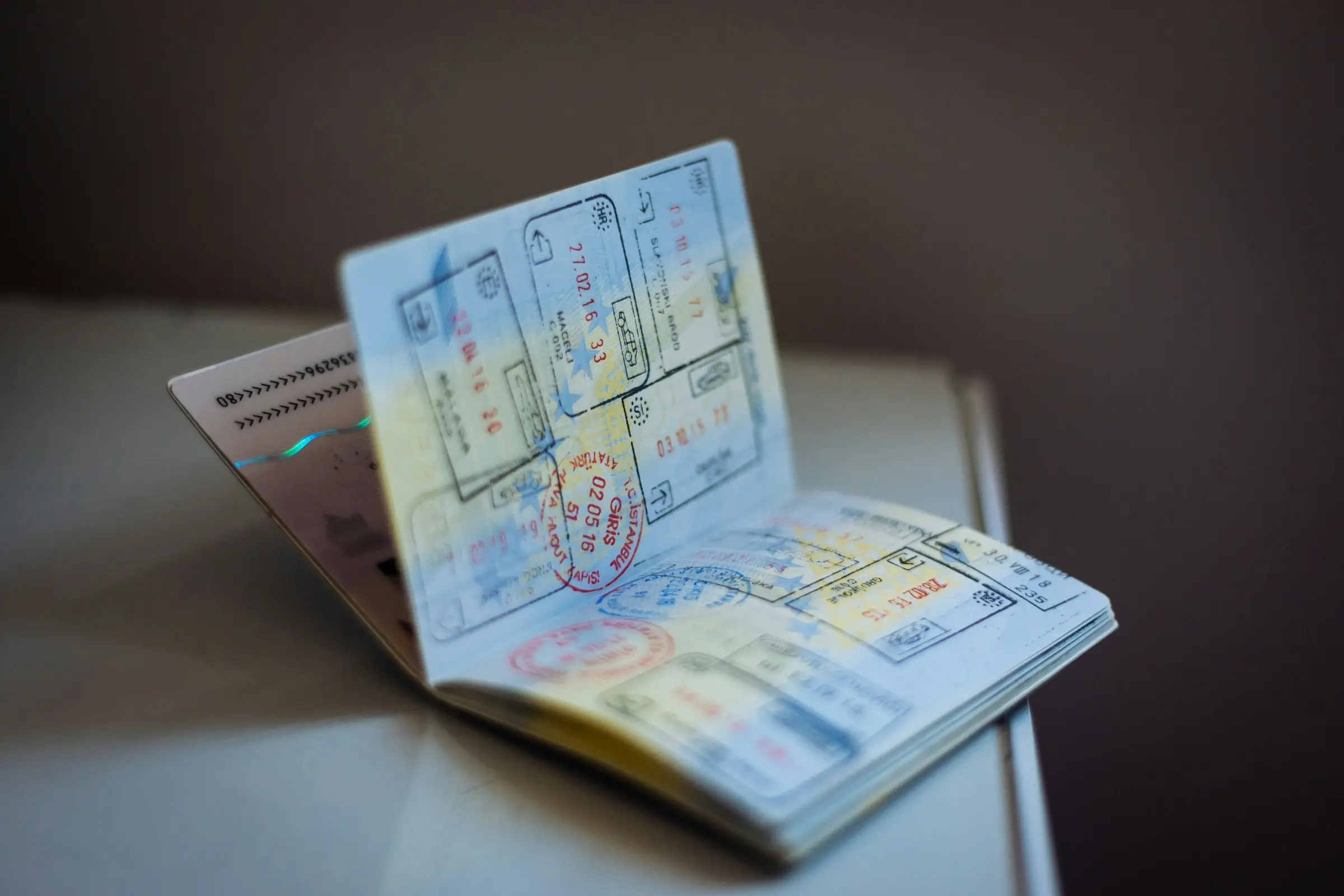
Keeping travel documents on your phone works if you store copies of the right things, make them available offline, protect them with a lock and a backup, and still carry the originals the rules require. A phone copy is for convenience and emergencies. It is not a replacement for the document an official asks to see, unless that official says it is.
What to keep a copy of
A useful set, in order of importance:
- Passport: the photo page. A copy helps enormously if the original is lost. See lost passport abroad.
- Visas and entry authorisations, if your trip needs them.
- Tickets and booking confirmations: flights, trains, stays, tours, car hire.
- Travel insurance: the policy number and the emergency phone number.
- Driving licence, and any international permit if you will drive.
- Vaccination or health documents that the destination asks for.
- Prescriptions and a doctor's note for medication you carry.
- Emergency contacts and your own home address.
Travel documents checklist lists what to bring on paper, and travelling with medication covers the medical side.
Where to keep them
Three places work, and the best answer is two of them:
- A trip planner. Documents attached to the trip, next to the bookings they belong to. In Travel Life, files can be attached to bookings, to-dos and expenses, and every document of the trip is in one place; Pro adds documents offline, scanning and bigger files, and one member's Pro covers the whole trip.
- A folder on your phone. A single, clearly named folder in your files or notes app, set to be available offline.
- An encrypted backup in the cloud or on another device. The one you reach when the phone is lost or stolen.
Do not scatter documents through your camera roll. A passport photo mixed in with holiday photos is hard to find at a counter and easy to share by accident.
Make sure they open without signal
The most common failure is a document that needs a connection. Test it before you leave:
- Switch on airplane mode.
- Open each document.
- If any of them does not open, download it again or save it to the phone itself.
A file that opens only when online will not open in a tunnel, on a plane or in a place with no coverage. Travel offline explains the rest.
Protect the phone, and the documents on it
A phone with your passport copy on it is worth protecting.
- Use a strong lock and a short automatic lock time.
- Switch on find-and-erase for your phone, so you can lock or wipe it remotely if it is lost.
- Put the most sensitive documents in a protected folder if your phone has one, and not in the main gallery.
- Do not send copies through chat apps unless you must, and delete them afterwards. Chat history stays on phones and in backups.
- Be careful with public Wi-Fi. Do not upload or open sensitive documents on a network you do not trust.
- Back up before you go, to somewhere that is not the phone.
Share with the right people only
Someone at home should be able to find your passport number and insurance policy if something goes wrong. Send those to one trusted person, in one message, before you leave. Do not post them anywhere public, and do not send them to a group.
If you travel with others, share bookings in the group's plan, and keep passport copies one-to-one. In Travel Life, a trip's bookings are visible to everyone you invite to it, so keep personal identity documents out of shared lists unless everyone is comfortable with that.
What still needs to be on paper
Some things are best carried on paper, or at least must be available in the form an official requires. Check which of these apply:
- The passport itself. Always the original.
- Entry paperwork that a border officer may ask to see.
- A printed copy of the most important booking, for the case of a dead phone or a lost charger.
- An emergency card with your name, contacts, blood type if relevant, and insurer's number.
A rule about what counts as acceptable proof is set by the authority that asks for it: the government, the airline or the operator. Check on their own site before you rely on a phone copy, and carry paper if in doubt.
Keep the phone alive
All of this fails with a dead battery. Carry a power bank, a cable and a plug adapter, and keep the phone above a safe charge on travel days. Travel tech to pack has a short list.
A five-minute setup
- Photograph or scan each document on the list, flat and in good light.
- Name each file with the date or the trip, for example
2027 Trip insurance. - Save them in one folder or trip, set to be available offline.
- Back them up to somewhere else.
- Send the essentials to one trusted person.
For a group or a family
If you are the one who organises for others, hold their documents carefully. Ask each person to keep their own passport copy, and agree who holds the booking details for the group. Children's documents are worth a copy too, and a note of who has parental consent paperwork if a rule requires it. Where an authority sets that rule, check its own site before you rely on a phone copy.
Clean up afterwards
After the trip, delete copies you no longer need, especially passport photos from shared folders and chats. Keep the insurance details and the itinerary for your records, and move anything sensitive out of the cloud folder you shared with the group. A tidy phone is a safer phone.
What to do next
Do the five-minute setup tonight, then open every document in airplane mode to make sure it works. Next, bring the bookings into the same system with how to keep all your bookings in one place.