Travel Life
Open web appWeb appGet the app

Plan the trip together. Free on iPhone and Android.

Features · Follow along

Let family and friends follow along.

One private link for the people at home: the city you are in, your route and the moments you choose, in any browser and with no account.

A pagoda above a lantern-lit street in Kyoto at night
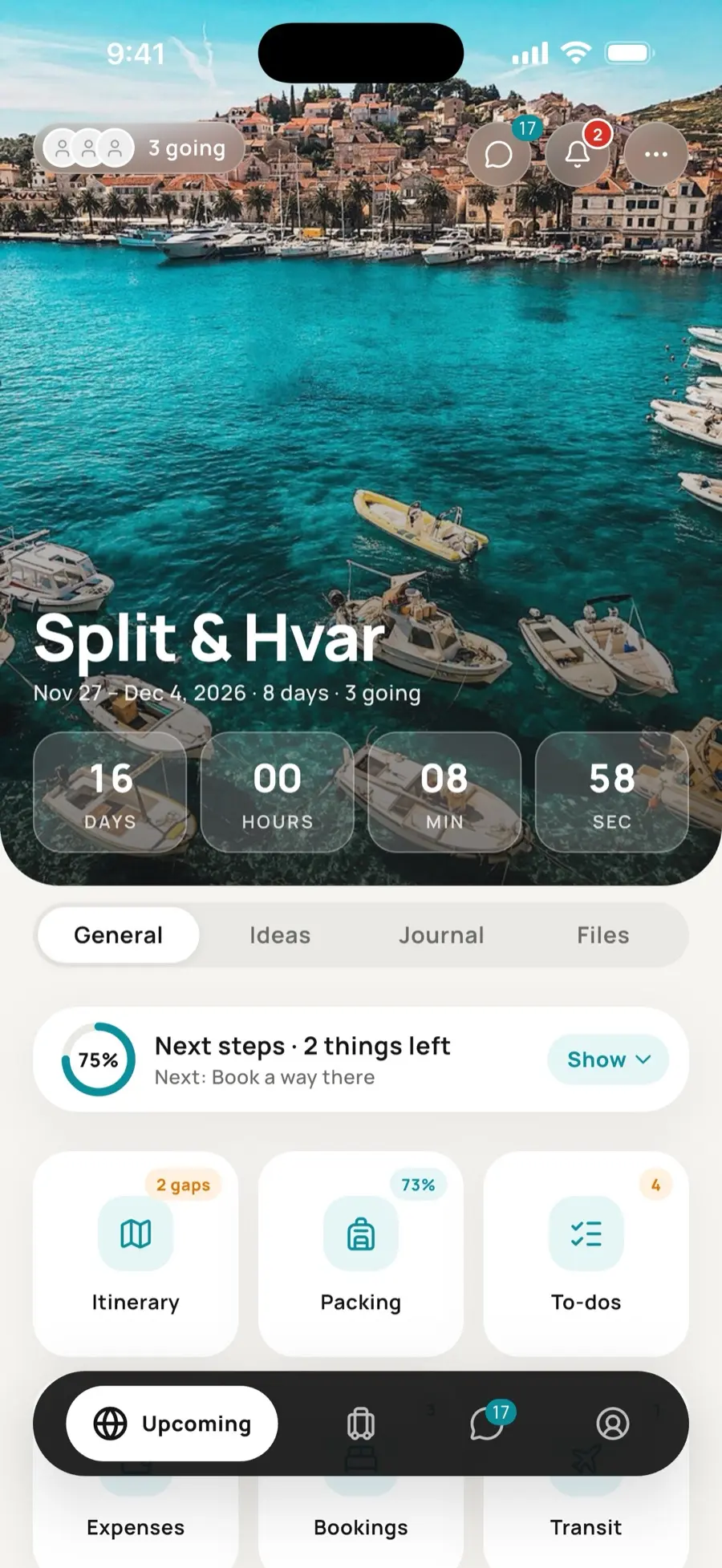
A trip in Travel Life

How it works

  1. 01

    Turn it on for a trip

    Each traveller decides for themselves, and gets their own private link.

  2. 02

    Send the link

    Family and friends open it in any browser, with no app and no account.

  3. 03

    Share as you go

    They see the city you are in, the cities on your route, your check-ins (with Pro) and the journal moments you mark.

  4. 04

    Pause or stop

    Pause until the next morning, make a new link or stop. The page ends 30 days after the trip.

Free

  • A private follow-along link for every traveller
  • The city you are in and the cities on your route
  • The journal moments you mark for followers
  • App followers you allow get a note when you reach a new city
  • Hearts and short notes back from app followers

With Pro

  • The daily check-in, with a reminder at the time you choose
  • A calm note for followers you allowed after a day without a check-in
  • The trip played as a story
  • Keeping the page for good
One member's Pro covers the whole trip →

Questions

What do followers never see?

The plan, the bookings and the money stay private. Followers see the city, not where you are staying.

Do family and friends need the app?

No. The link opens in any browser. People who have the app can also ask to follow, and you choose who to allow.

Can I stop sharing?

Yes. Pause until the next morning, make a new link so the old one stops working, or stop at any time.

Is it a safety service?

No. It is a way to keep family and friends in the loop. In an emergency, call the local emergency number.

On the blog

Also in Travel Life

Free on iPhone and Android.