App to store travel documents: the best options for your phone
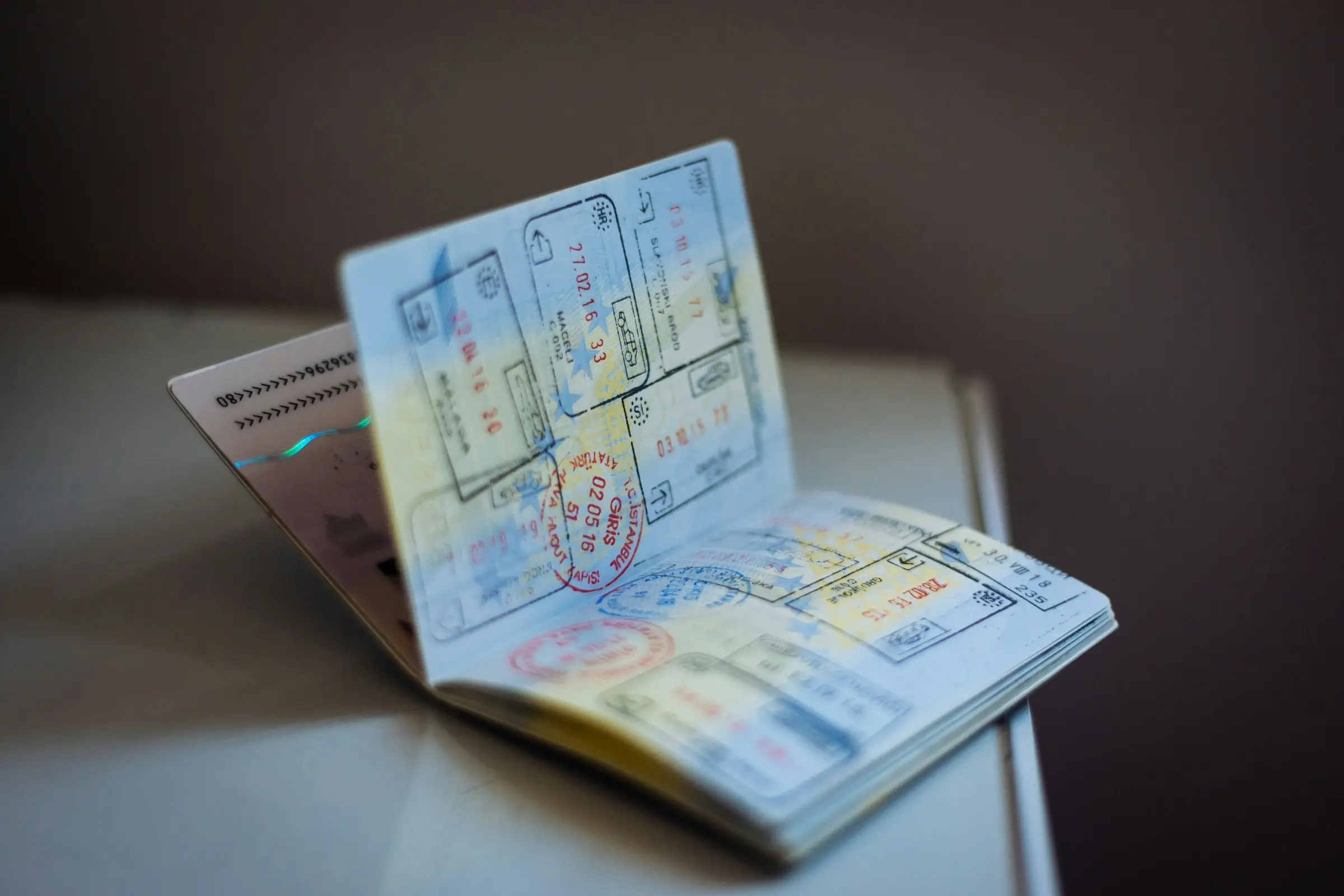
The best app to store travel documents depends on which documents you mean. Boarding passes and tickets belong in a wallet app. Scans of your passport and insurance belong in secure file storage. Booking confirmations belong with the trip they are for. Most travellers end up using two of these together.
We make Travel Life, which is on the list, so read that section as the view of its maker. For every other app we used only what its own website says, as of November 2026. Apps change, so check the current page before you rely on a feature. And whatever you store on your phone, treat it as a backup: some places still ask for the original or a printout.
Sort your documents first
Before choosing an app, it helps to sort what you are carrying into three piles:
- Things you show. Boarding passes, event tickets and transit passes. You want these one tap from the lock screen.
- Things you keep. Passport and visa scans, insurance details, vaccination records, driver's licence. You want these safe, searchable and available without signal.
- Things for the trip. Hotel and rental confirmations, tour vouchers, reservation emails. You want these attached to the day they happen.
Our travel documents checklist lists what to bring, and organising travel documents on your phone covers the habits.
Apple Wallet: for things you show, on iPhone
Best at: passes and tickets you need quickly.
Who it suits: iPhone users.
As of November 2026, Apple's site says Wallet keeps credit and debit cards, transit cards, event tickets, keys and more in one place, and lists boarding passes with real-time flight status and airport and terminal details. It mentions eligible IDs for some checkpoints, and says its Digital ID made from a passport is not a passport substitute for international travel. Express Mode transit cards, select hotel keys and some theme park and event tickets are listed too.
Worth knowing: it is for passes, not for scans of your passport or insurance.
Google Wallet: the same job on Android
Best at: passes and tickets on an Android phone.
Who it suits: Android users.
As of November 2026, Google Wallet's site says it holds payment cards, loyalty and gift cards, transit cards, plane tickets, bus passes and event tickets, and that it is only available on Android.
Worth knowing: a pass only appears if the airline or operator supports adding it, so keep the confirmation email as well.
Google Drive: for things you keep
Best at: storing scans and files in the cloud, with sharing.
Who it suits: anyone who wants scans of documents available from any device, and a way to share them with a travel companion.
As of November 2026, Google Drive's site says you can scan documents into Drive from the Android or iOS app and save them as searchable PDFs, and share files with view, comment or edit permissions and expiry dates. It lists apps for iOS and Android. Its page does not describe offline access, so make files available offline in the app before you leave, and test that it works.
Worth knowing: it is general storage, so you organise it yourself.
TripIt: documents attached to the trip
Best at: turning booking emails into an itinerary and attaching documents to it.
Who it suits: frequent travellers who book through many sites.
As of November 2026, TripIt's site says you forward confirmation emails to plans@tripit.com and it builds an itinerary. TripIt Pro lists a Documents feature for adding photos, QR codes or PDFs to your travel plans, and Inner Circle, which shares your plans with a chosen group. We compare it directly in Travel Life vs TripIt.
Worth knowing: documents are listed under Pro.
Travel Life: documents and confirmations inside the trip
Best at: keeping confirmations with the stay, reservation or journey they belong to, for a trip shared with others.
Who it suits: groups and families who want the same bookings visible to everyone.
Travel Life is a shared trip planner for iPhone and Android. Stays, reservations and transit, flights to ferries, are saved with their confirmations and costs, so the hotel confirmation sits in the trip, not buried in an inbox. Files can be attached to bookings, to-dos and expenses, and every document of the trip is in one place. Pro adds importing booking confirmations, plus documents offline, scanning and bigger files. It works offline, and unlimited trips and people are free.
Worth knowing: there is no web app, and it is not a general file store, so keep your passport scans in dedicated secure storage as well.
Keep it offline, and keep it private
A document you cannot open without signal is not much use at a border queue or a hotel desk, so test every app you rely on in aeroplane mode. Protect the phone itself with a passcode, because your passport scan is only as private as the screen that opens it. Do not email passport photos to yourself in plain text if you can avoid it, and avoid leaving scans on a shared computer.
A paper copy of the key pages in a separate bag is still a sensible backup, because a dead phone takes every app with it.
How to choose
- Boarding passes and tickets: Apple Wallet or Google Wallet, depending on your phone.
- Passport and insurance scans: Google Drive, or whichever secure storage you already trust.
- Bookings for a trip you share: Travel Life.
- Bookings from many email accounts: TripIt.
Back up the important ones
Whatever you pick, keep a second copy of the documents you could not replace: the passport photo page, insurance details and emergency contacts. Send them to a family member or keep them in a second place. If a passport is ever lost, our guide on what to do when you lose your passport abroad will be the first thing you want, and having a scan makes it faster.
Next step
Spend ten minutes before your next trip: scan the documents, put them in one place, then switch on aeroplane mode and check you can open them. It is the only test that matters.

