Travel tracker app: the best ones for where you have been
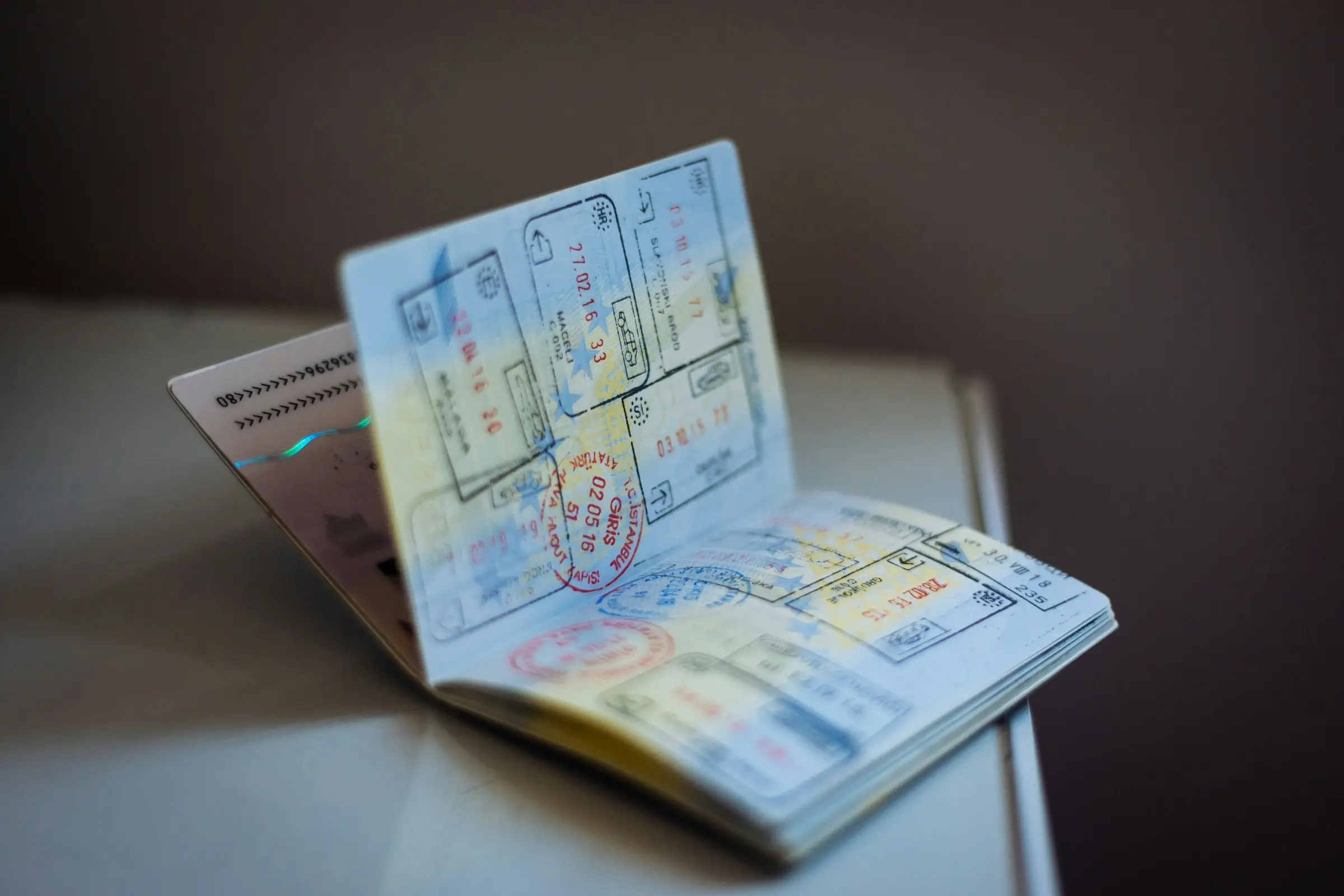
A travel tracker app keeps a record of where you have been: the countries and cities you have visited, how many days you spent away, and ideally a map you can look at or share. Some trackers work from places you mark by hand, some from the trips you plan, and some record your route as you move. Which one suits you depends on whether you want a scoreboard, a diary or a plan that turns into a record afterwards.
The apps below are ones people commonly use. What we say about each comes from its own website or store listing, as of November 2026, and we have left out anything we could not confirm there. We make Travel Life, which is on the list, so read our view of it as the view of its maker. Features change, so check each page before you commit.
What a tracker should do
Before the list, decide which of these you actually care about:
- A map you can fill in. Countries, and ideally cities, coloured in as you go.
- Counts. Countries, cities, days away. These are the numbers people like to compare.
- Backfilling. Can you add the trips from before you installed it?
- Sharing. A card or image you can send, not just a screen.
- Effort. Marking places by hand takes a minute after a trip. Automatic tracking takes none, but it runs on your phone while you travel.
Travel Life
Travel Life is a shared trip planner for iPhone and Android, and the one we make. Its tracker is a by-product: your past trips' destinations and the places you add fill in your profile.
Best at: a map that fills itself from trips you have planned with friends.
The travel map on your profile is built from your past trips' destinations and the places you add by hand. It shows counts of countries, cities and days away, and you can share it as an image card. Two card styles are free; the other styles and a photo card are part of Pro. It does not track your location in the background, so nothing is recorded unless you plan the trip or add the place.
Pick it if you already plan trips with other people and want the record to come out of that, with no second app.
Visited
Visited is a travel tracker for iOS and Android. Its site describes a scratch-style world map, and city and regional views, along with travel lists such as world heritage sites and national parks. It has travel stats, lets you compare with friends, and lets you combine maps. Its site says the app is free, with a paid Pro upgrade that adds city and regional maps and itineraries.
Best at: the scoreboard. If you want checklists to work through and a map to compare, this is built for that.
Pick it if you like ticking things off and want lists beyond countries.
been
There are several apps with "been" in the name; this one is from VINCI Apps on the App Store. Its listing describes recording the countries and US states you have visited, with optional dates, shown as a list with a ratio for each continent and as a world map, including a 3D globe. You can share your map and compare it with friends. The listing says premium adds regions in more countries, cities and airports, and more.
Best at: a simple country counter with a globe to look at.
Pick it if you want to mark countries and states quickly and nothing else.
Polarsteps
Polarsteps is the app to look at if you would rather record than mark. Its site says it records your route automatically, keeps tracking offline, and lets you add photos, videos and stories to step-by-step updates. Your trips and stats appear on a map, it can turn a trip into a hardback Travel Book, and you choose who can follow each trip. It also lists a Plus subscription.
Best at: capturing the journey as it happens, route included.
Pick it if you want your route recorded without thinking about it, and a keepsake at the end. For how it compares with ours, see Travel Life vs Polarsteps.
Flighty
Flighty is a flight tracker for iPhone, iPad, Mac and Apple Watch. Its site lists real-time flight updates and alerts, and a Passport feature that tracks your lifetime of travel. It does one thing, and does it for the air.
Best at: flights, and a lifetime record of them.
Pick it if you fly a lot and care about the flying more than the places.
Tripsy
Tripsy is a trip planner for iPhone, iPad, Mac and Apple Watch. Its site describes one itinerary for flights, stays and activities, expenses in several currencies, and a Tripsy Book showing statistics such as countries visited, hotel nights and distances travelled.
Best at: Apple users who want a planner with statistics built in.
Pick it if you live in Apple devices and want the planning and the numbers in the same place.
How to choose
Answer three questions:
- Do I want to plan too? If yes, a planner that doubles as a tracker (Travel Life, Tripsy) saves you a second app. If not, a dedicated tracker is simpler.
- Do I want automatic recording? Only Polarsteps in this list records your route as you travel. The others are filled in from places you mark, trips you plan or flights you add.
- Do I want lists to complete? Visited is the one with checklists.
You are not locked in. Most of these are easy to try on a single past trip, and a tracker is only useful if you actually keep it up.
Fill it in once, properly
Whichever you pick, spend twenty minutes backfilling. Go through your old photos and bookings, list the trips in order, and add the countries and cities. Once the history is in, adding a new trip takes seconds, and the map starts to look like something.
If you are still deciding what counts, read what counts as visiting a country, and for the manual method see how to track countries visited.