Best apps for traveling to the USA: what to download first
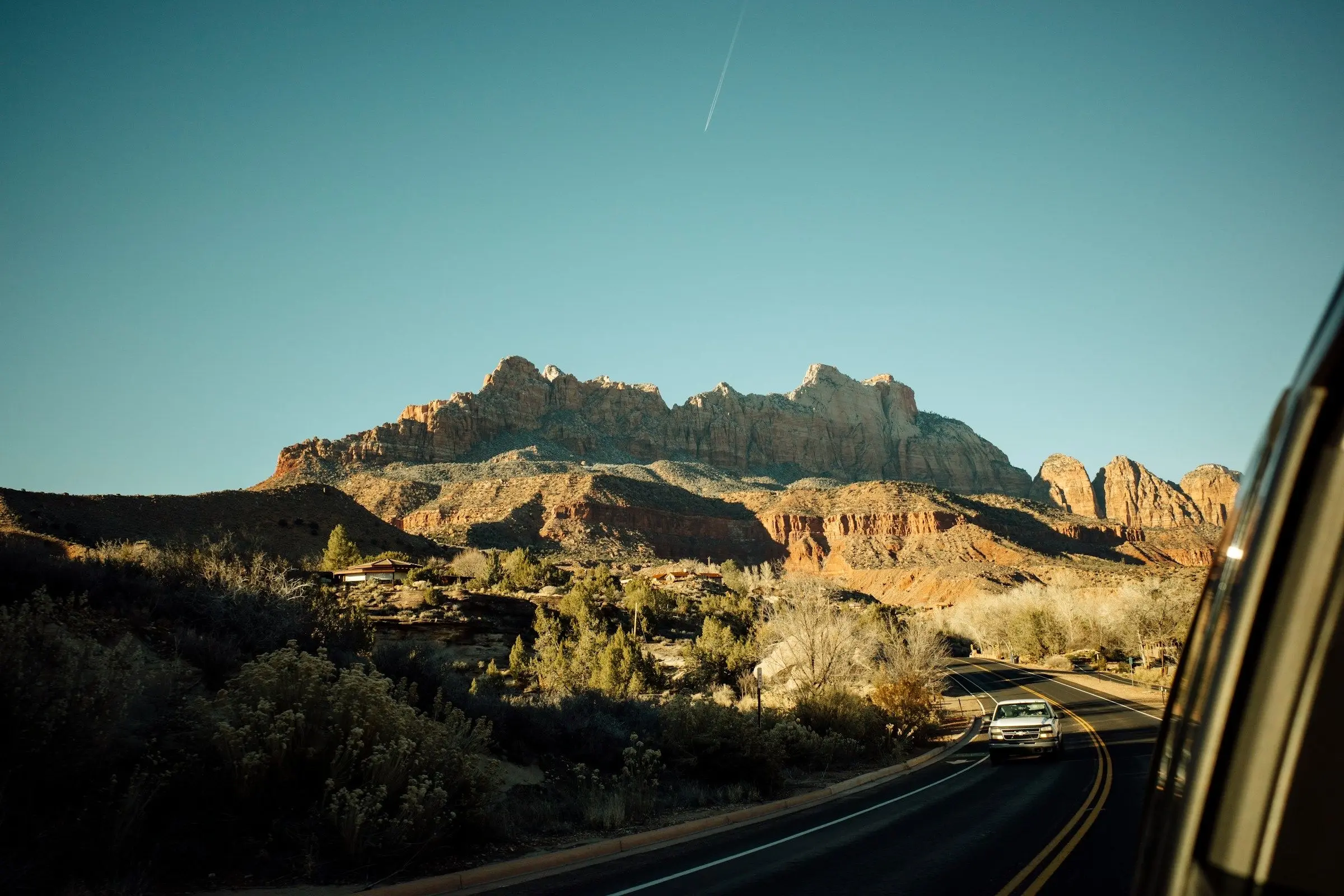
For traveling to the USA, the apps that matter are a map you can use offline, a transit app for the cities, a ride-hailing app, one or two for national parks and campsites, and somewhere to keep the plan. The country is so large that your set depends on whether you are doing two cities or a long drive.
This list is by job. What we say about another app comes from its own listing or website, as of November 2026, and availability changes by city, so check before you go.
Maps: Google Maps, downloaded offline
Google Maps covers driving, walking and transit across the USA, and it shows real distances, which is the thing most first-time visitors underestimate. Download offline maps for every state you will cross, because desert, mountain and park areas often have no signal for long stretches. For a long drive, plan a cross-country road trip shows how to set realistic days, and renting a car abroad the checks to make at the counter.
Public transport: Transit
Transit is an app for public transport, and its own region list covers hundreds of US cities and regions, with real-time data where it is available. Coverage varies by city and agency, and some places have little public transport at all, so look at its list for your cities.
Rides: Uber and Lyft
Uber and Lyft both operate in most large American cities; Lyft's own city list covers all fifty states. Many visitors keep both installed and compare. Pick-up rules at airports differ from one airport to another, so check where the app tells you to meet your car. In smaller towns and rural areas, availability drops, so do not count on a ride at night in the middle of nowhere.
National parks and the outdoors
Two official apps are worth knowing, and they do different jobs. The NPS App, from the National Park Service, covers more than 400 parks with maps of roads, trails and points of interest, and lets you download a whole park's content for offline use. Recreation.gov has an app for finding and booking campsites, tours, tickets and permits on federal land and for keeping your reservations and digital tickets to hand. Other park apps exist, made by third parties, so check the publisher before you install one. Popular parks often need reservations or timed entry well ahead, and the park's official page is the place to look. Plan a national parks trip goes through it.
Money, tipping and connection
Cards and contactless are used almost everywhere. Tipping is a normal part of the price in restaurants and for many services, so read tipping around the world before you go. For data, compare roaming with an eSIM that covers the USA.
Set up the phone before you leave
A few jobs at home help. Download offline maps for every state and park you will cross, and open each once offline to be sure it loaded. Sign in to the ride, transit and parks apps, and add your payment method while you have wifi. Save your accommodation's address and phone number, and screenshot confirmations for campsites, tours and timed park entries so you can show them without signal. A power bank and a car charger are worth having on a long drive.
Habits that help in the USA
Distances are the main trap, and it is easy to underestimate how long a day behind the wheel is. Set realistic days, and leave margins around national parks, which can have queues at entrances and slow roads inside. Many parks have limited or no mobile signal, so decide the meeting point and plan before you lose it. In big cities you may not need a car at all: public transport and ride apps often cost less than parking.
Your first day
Land with the essentials working: open the offline map, check that the ride app finds you, and know how you will get from the airport to your first stay. If you are picking up a car, photograph it, check the fuel and set the route before you drive. If something does not work on day one, you still have time to fix it with wifi and a quiet half hour.
Two small habits are worth keeping through the whole trip: charge your phone every night, and keep one backup way to reach your accommodation that does not need data, such as its phone number written on paper. If your phone is lost or dies, that scrap of paper and a copy of your booking are what get you to a bed.
What to leave out
You do not need a separate app per city or park. A map, a transit app, ride apps, the parks apps for your route and a place for the plan cover most of a trip, and a short list you actually use beats a screen of apps you forget.
Planning the trip itself
A USA trip is many parts: cities, a long drive, a park or two, perhaps a week of stays with different people. We make Travel Life, and this is what it is for.
It is a planner, not a navigation or ride app, and it is on iPhone and Android only.
Before you go
- Download offline maps for every state and park.
- Install a transit app for your cities and both ride apps.
- Book campsites and timed park entries in advance, where they are needed.
- Check entry requirements, including any travel authorisation, on the official US government site and your own government's travel advice.
- Save bookings offline.
Next step
The United States travel guide covers when to go and where. If you are driving, start with plan a road trip.